Requesting Availability: Suggested Windows
How to suggest specific windows for the candidate to submit availability within.
Written By Troy Sultan
Last updated 7 months ago
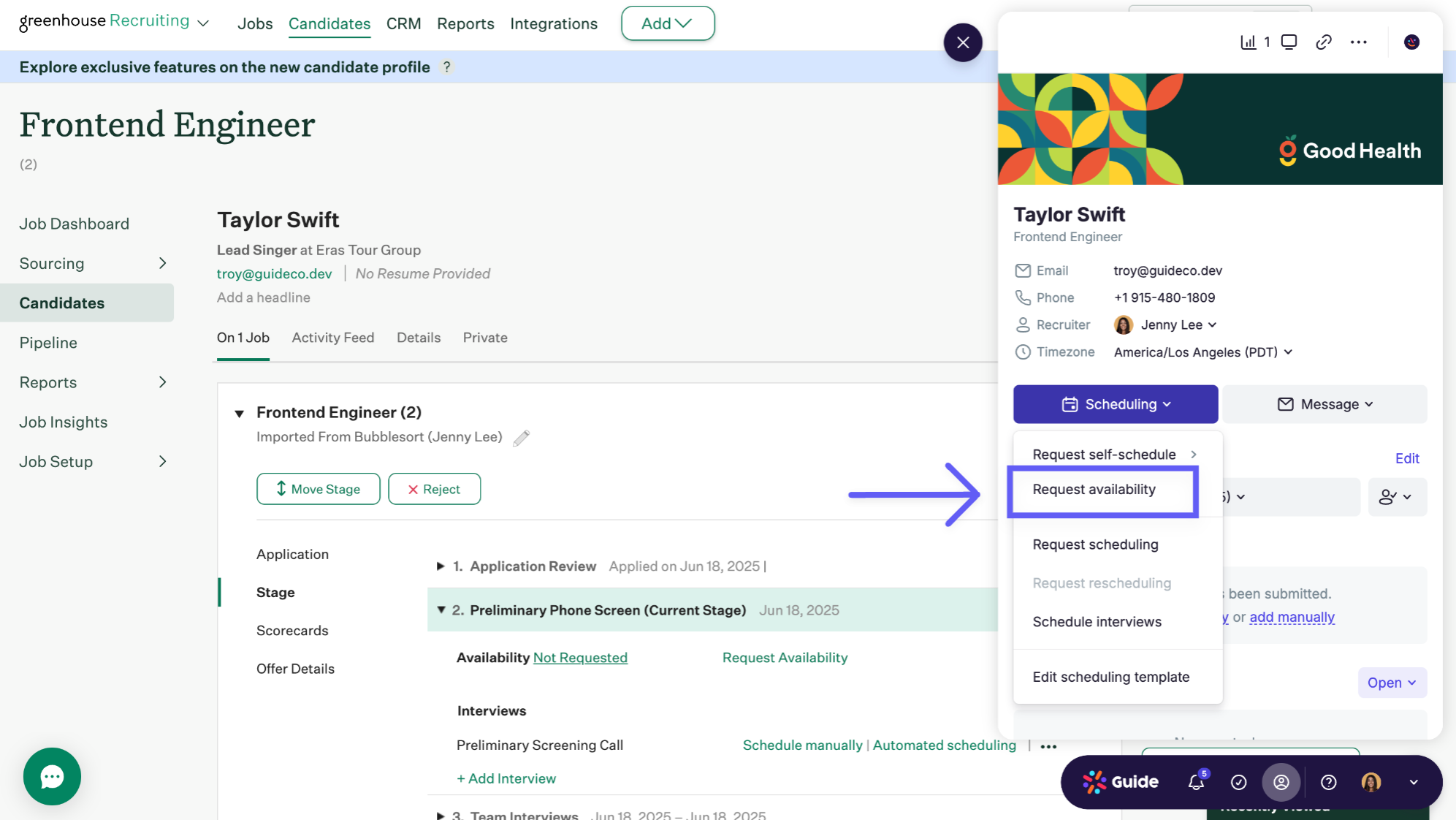
To request availability from a candidate, simply click Scheduling>Request Availability from any candidate profile.
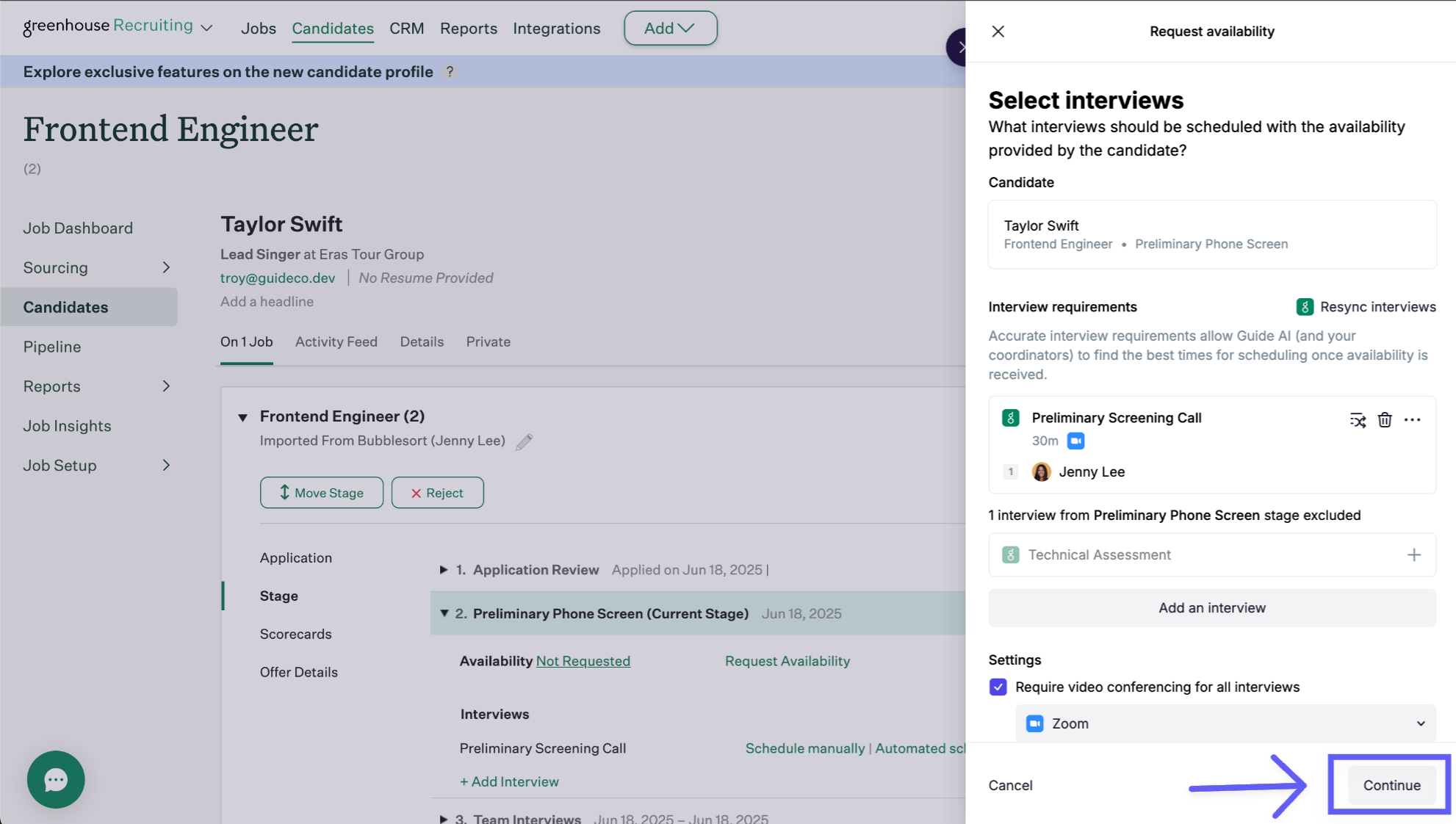
Confirm the interview requirements and click continue (this will be used by Guide's system after availability is selected to suggest the panel):
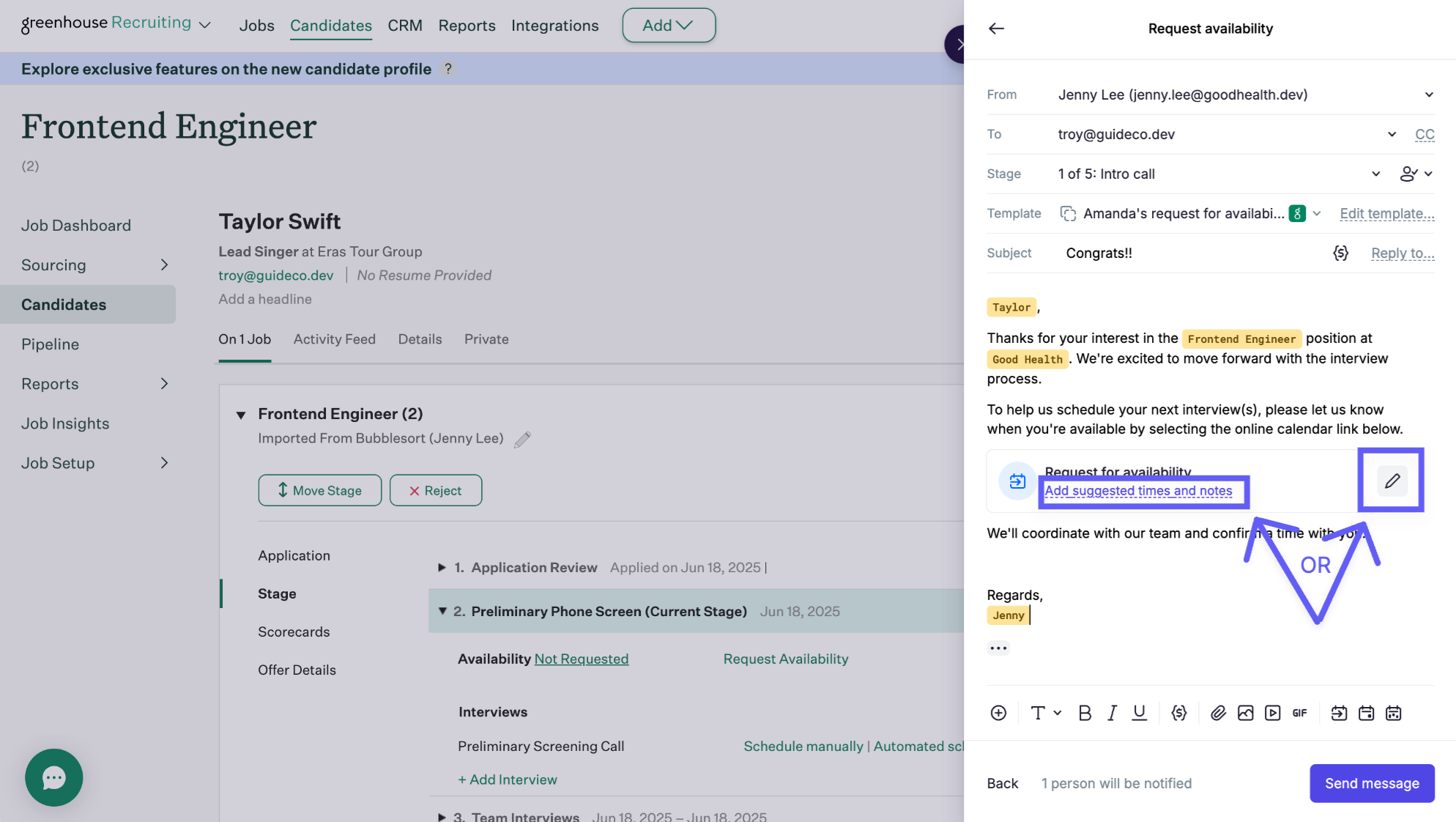
To specify specific availability windows, click the pencil icon or "Add suggested times and notes" from within the availability request block:
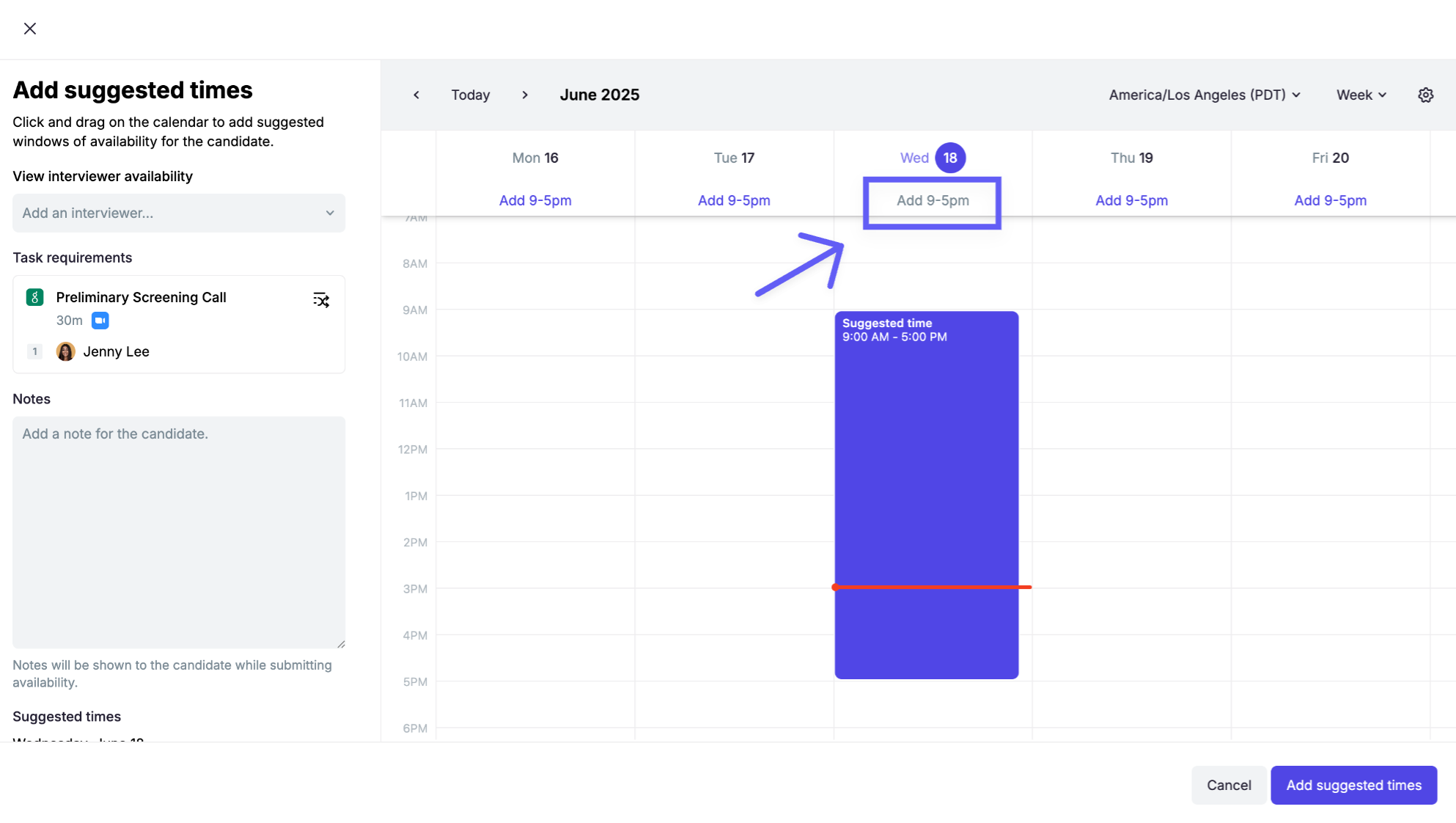
Drag availability blocks to your preference or click "Add 9-5pm" button to offer a full working day:
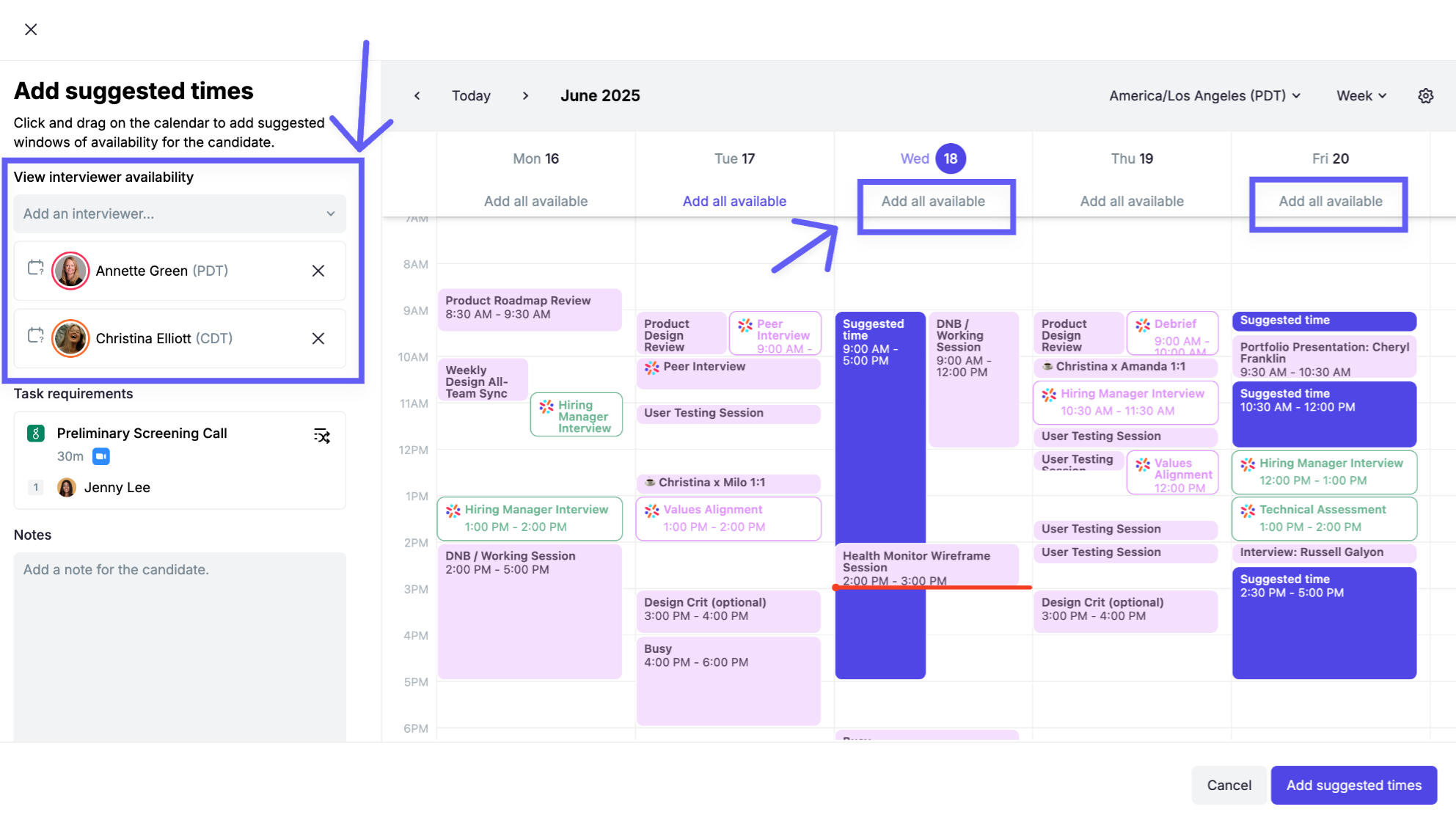
To offer specific interviewers' availability blocks, select the interviewers on the left and click "Add all available" for each relevant day:
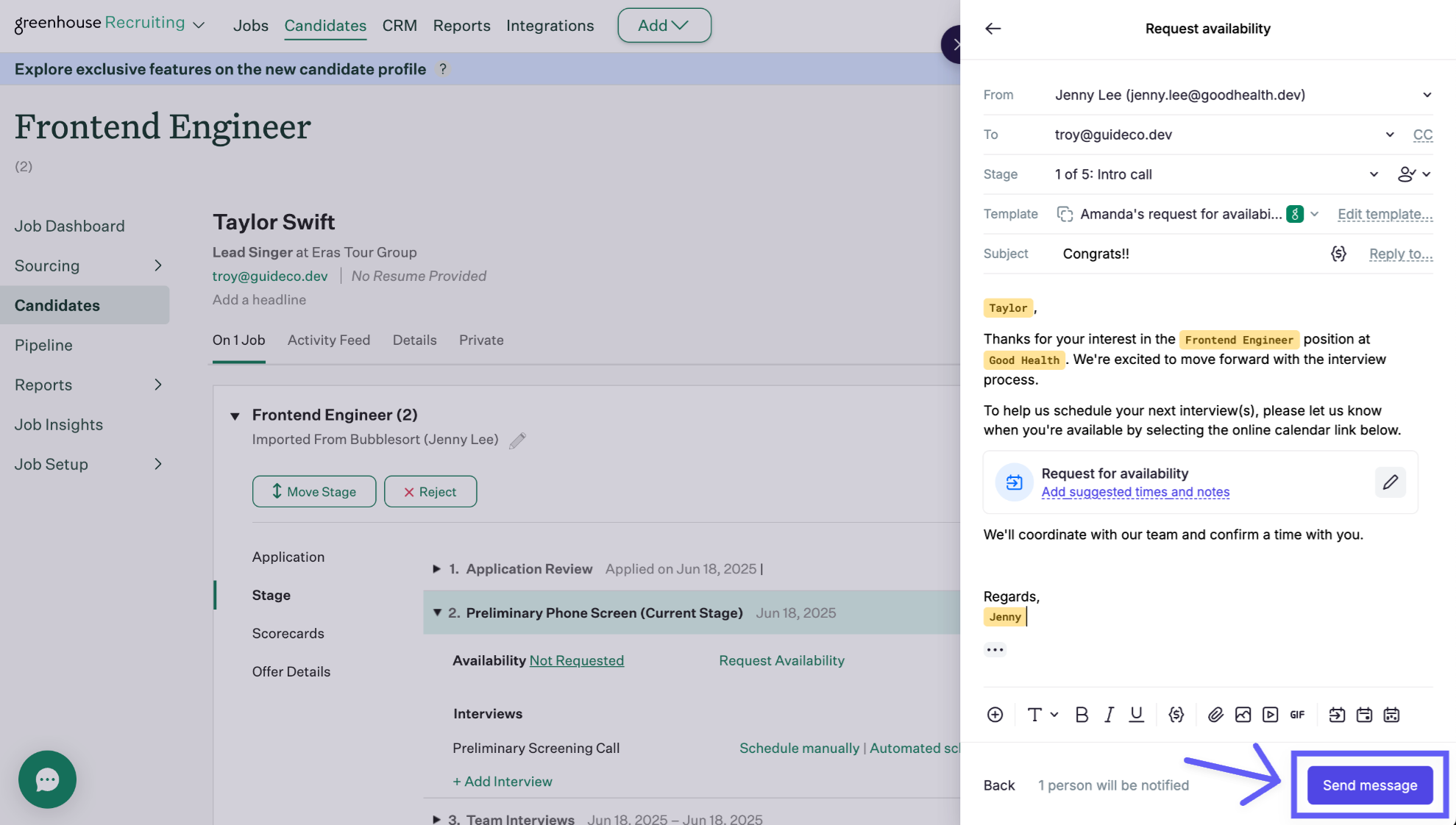
Send your custom-figured availability request by clicking Send: