Sending Reminders for Candidate Availability Requests
Learn how to follow up with candidates after sending an availability request in Guide.
Written By Troy Sultan
Last updated 10 months ago
💌 How to Send a Reminder for an Outstanding Candidate Availability Request
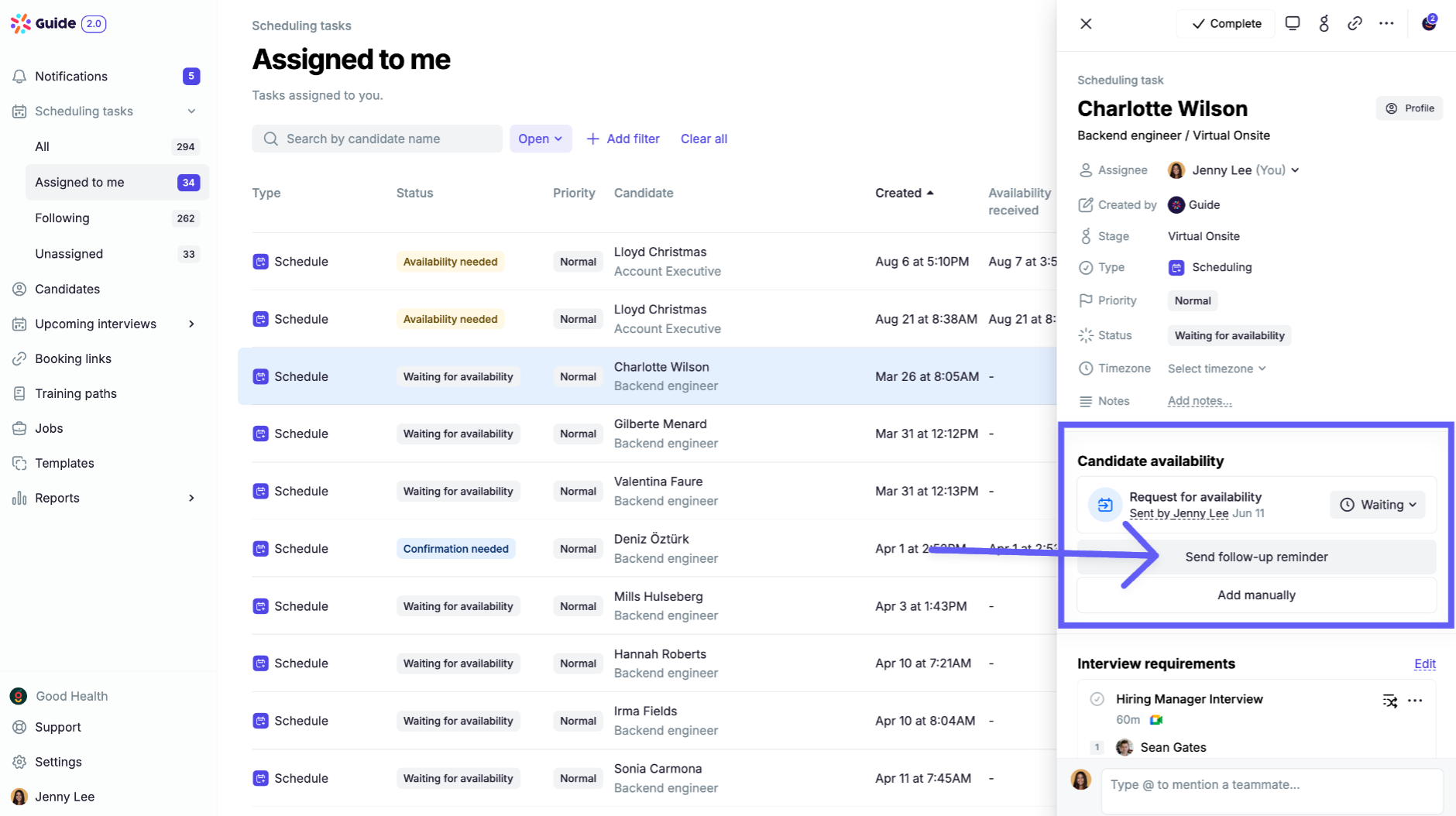
Once you’ve sent an availability request, you can easily nudge the candidate again using the “Send Reminder” button:
Go to the Coordinator Dashboard or Recruiting Portal in your ATS
Open the candidate scheduling task
Click Send Reminder at the top of the task view
📩 What Happens When You Click It?
Guide will send an availability request reminder to the candidate based on a template of your choice.
Was this helpful?
Still need help? Ask the team