Integrating Guide with Zoom
How to enable the Zoom Integration to enable automatic management and creation of zoom interview links.
Written By Troy Sultan
Last updated 10 months ago
Setup
Guide Admins can to https://app.guide.co/settings/integrations to complete the Zoom integration.
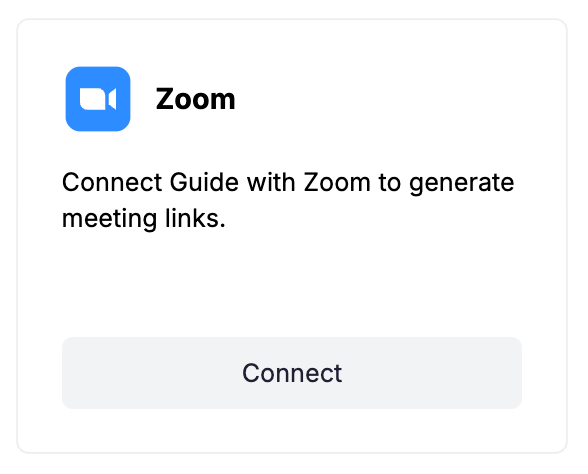
Click on "Connect" within the integration tile
A pop up window will appear asking you to login to Zoom.
The integration will ask for the following permissions from your Zoom workspace, which you need to confirm.
🔌 Once connected, Guide will:
Auto-create new zoom links for each interview and interviewer based on your organization's license structure and preferences.
Was this helpful?
Still need help? Ask the team