One place for interviewer preferences and reusable availability
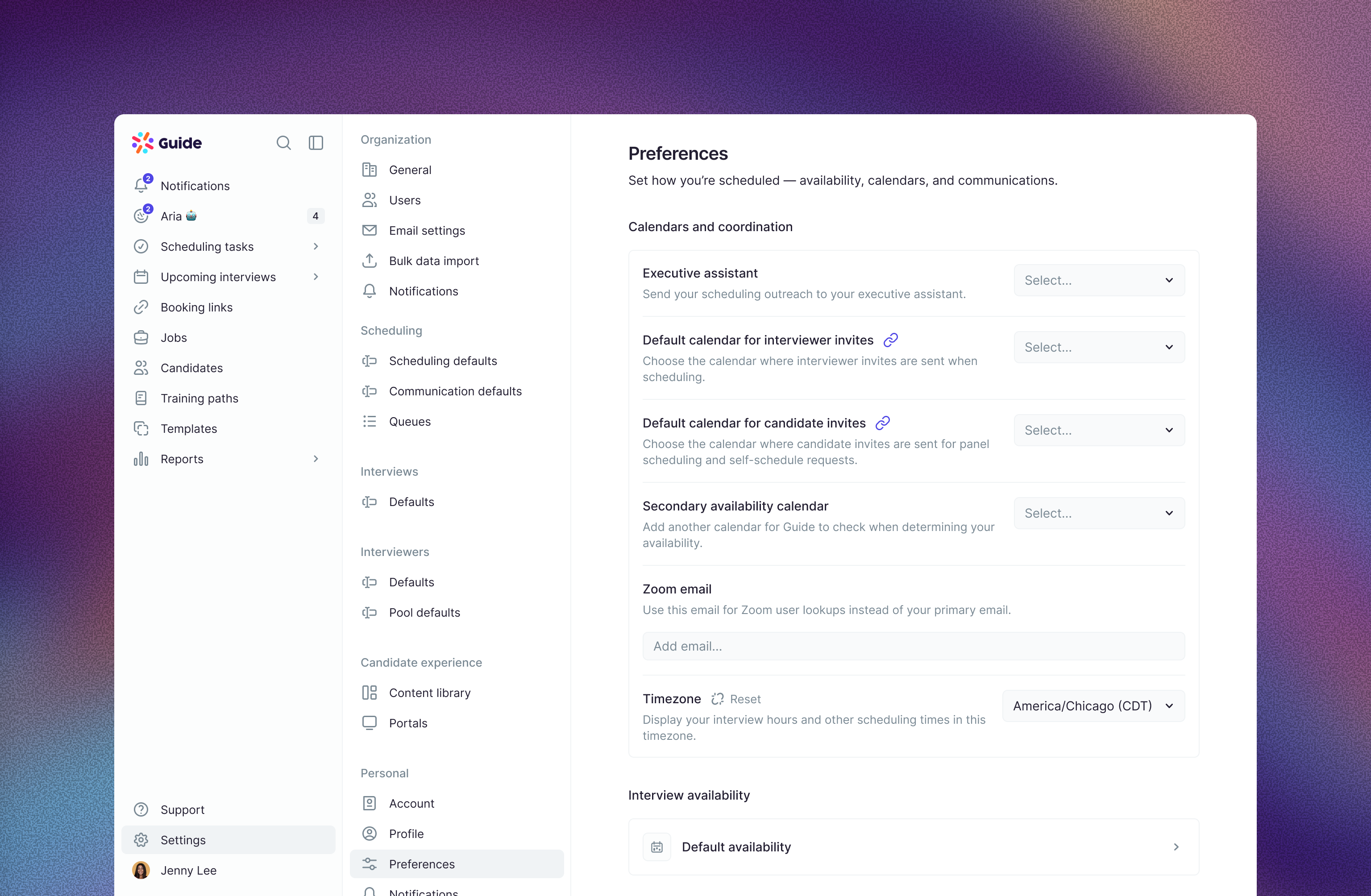
Guide now brings profile, preferences and pool management together in Edit settings, replacing the separate profile and scheduling-preference editors and direct editing on the interviewer details sheet. Organization defaults give your team a consistent starting point, while personal overrides and Reset make it easier to choose what should follow the organization. Interviewer and communication defaults, including organization blocked dates and invitation-calendar defaults, live in their dedicated Settings pages.
Default availability and optional named availabilities replace the separate regular and self-scheduling preference editors. Save sets of interview hours, booking windows, buffers and minimum notice, then use Load availability when creating booking links or individual self-schedule requests. You can tailor a request without changing the saved availability, or explicitly save changes back. Existing links and requests keep their saved settings until you update them.