Prioritize queue assignments by scheduler working hours
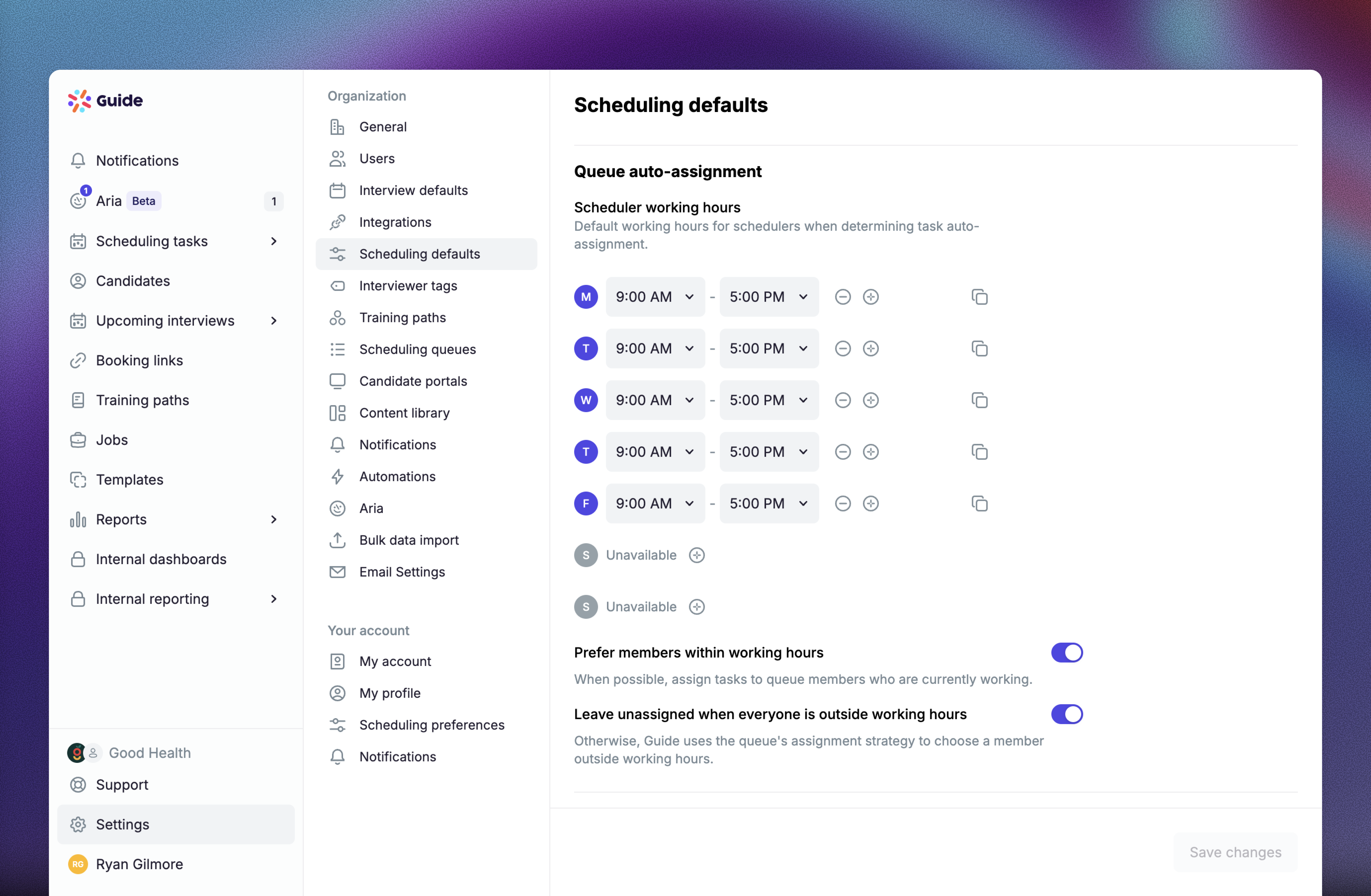
Guide can now prioritize queue members who are currently working when it auto-assigns scheduling tasks. Teams can use scheduler-specific working hours and choose whether a task should fall back to someone outside those hours or remain unassigned until a later assignment attempt.
Organization admins can configure the defaults under Scheduling defaults → Queue auto-assignment and override them for individual scheduling queues. Members can set their own schedule under Personal → Preferences → Queue auto-assignment. Manual assignment is unchanged, and tasks are not automatically retried when working hours begin.